Making Your Own ASMR Sound Mix
Layer tapping, brushing, rain and more than 230 other sounds into your own mix, each at its own volume. Here's how to build, save and download one.
A mix is a set of looping sounds playing together, each at its own volume: soft rain under slow tapping, say, with a little brushing on top. Tingles ASMR comes with premade mixes, and you can build your own from a library of more than 230 sounds.
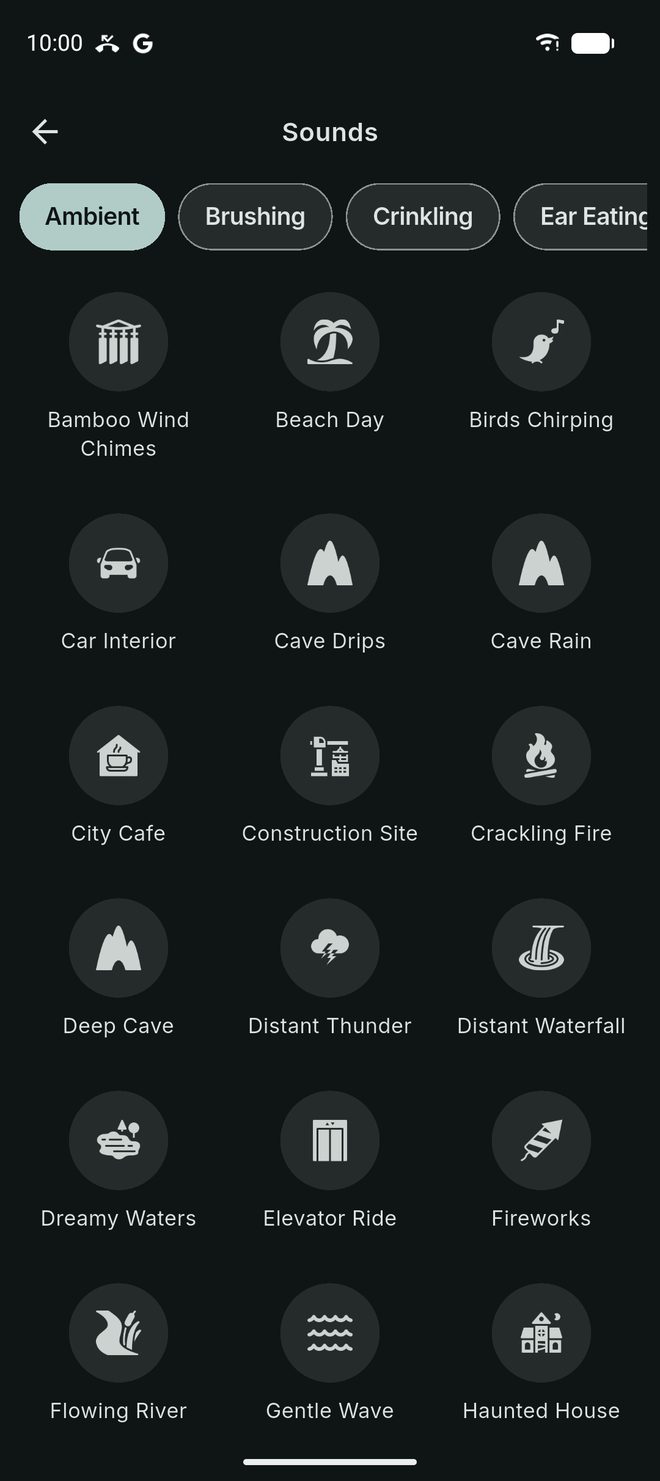
The sound library
Sounds are grouped by category: Tapping, Scratching, Brushing, Crinkling, Objects, Personal Care, Mouth Sounds, Ear Eating, White Noise, Ambient, Music, Focus and Experimental. Every sound is made to loop, so a mix can play for as long as you like.
Building a mix
- Tap Create in the bottom bar, then Mix.
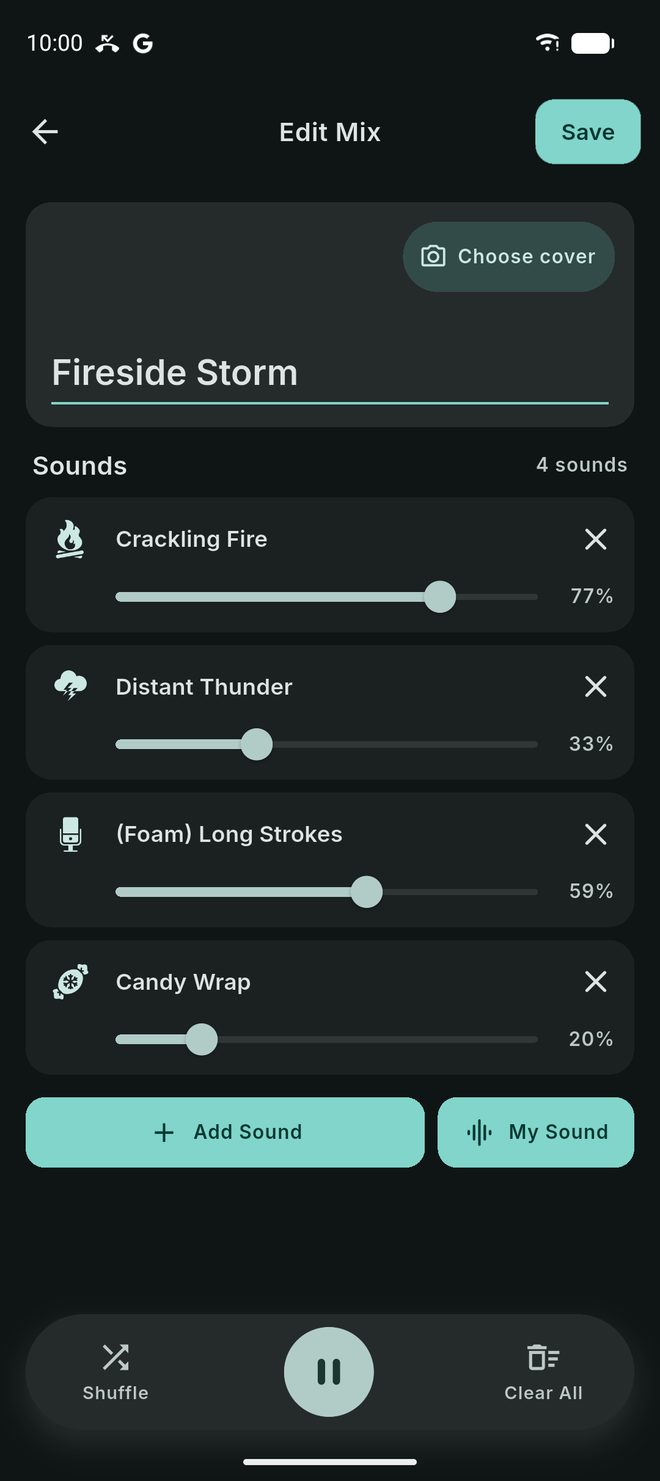
- Tap Add Sound and pick sounds from the library. Each one becomes a layer.
- Drag each layer’s slider to set its volume. Remove a layer with its remove button.
- Stuck for ideas? Shuffle builds a random mix, and Clear All starts again.
- Give the mix a name and tap the cover to pick a picture. You can search for a photo or choose a default.
- Tap Save.
Your mixes are under Create → Mixes. Tap one to play it. Edit, Share to Community and Delete are in the card’s menu.
Your own sounds
Create → My Sounds lets you record or import sounds of your own and use them in a mix with My Sound. They stay on your phone, so a mix that uses one can’t be shared to Community.
Smart Mix
Smart Mix (Premium) makes a mix feel less like a loop. Each sound’s volume gently rises and falls, and its speed shifts slightly, independently of the others. Turn it on with the Smart Mix button on the mix player, or in Settings → Playback → Smart Mix.


Timers and downloads
The mix player has a free Set Timer that pauses the mix after a set time, and Download mix to keep it for offline listening. With Premium, Sleep Mode fades the mix out gently instead.

Free and Premium limits
On the free plan you can save 5 mixes with up to 10 sounds each, and keep 5 of your own recorded sounds. Premium removes the mix and layer limits and allows 100 of your own sounds. The full library of more than 230 sounds and all premade mixes are free.
Something not working, or an idea for the app? Tap Send Feedback in the app menu. Tingles ASMR is free on iOS and Android.